

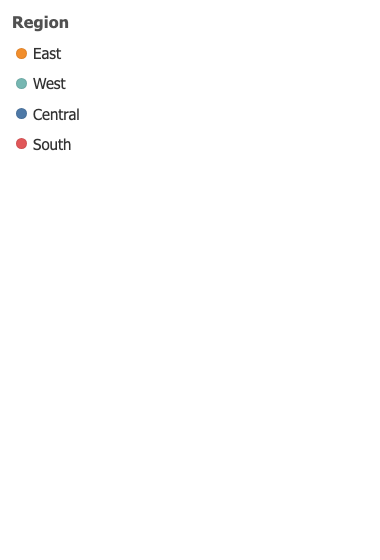
Shared Legend
One legend for a whole dashboard. Click a member and every sheet it drives filters or highlights at once, which no native legend can do across sheets.

One click, every sheet
Click a member and each sheet the legend drives is filtered or highlighted at once. A native legend reaches its own worksheet and no further, which is why a dashboard ends up with one legend per sheet and a reader who has to click them in turn. Choose Filter, Highlight, or Nothing when you want a key rather than a control, in which case the hand cursor goes too.

It follows the data, and the zone
The members are read from the sheets themselves rather than typed into a list that drifts. A sheet that does not carry the field is left alone and named, so a sheet that quietly stopped responding is never a mystery. Put it in a band under a row of sheets or a column down the side and the layout follows the zone.
Selected, faded, and cleared
Several members at once, the rest faded, and a Clear control that appears only when there is something to clear. Clicking the last member off clears the filter rather than filtering to nothing, which would empty every sheet on the dashboard and read as a bug.
